Back

Userfriendly calibration software

Intuitive Industrial Calibration Software – Global UX Redesign

How can industrial calibration software be designed to remain intuitive and efficient for diverse user groups worldwide?

In this case study, IMT demonstrates how a legacy Calbench application was not only functionally enhanced but fundamentally reengineered for usability and user experience. The focus was on clear user guidance, scalable interface design, and robust UX for embedded systems.

Our client had been using Calbenches for several years, but new requirements regarding application scope and user profiles demanded a complete realignment of the software. The goal was to make it suitable for international deployment while supporting both domain experts and advanced generalists. At the same time, the calibration process needed to become more intuitive and robust through optimized workflows and new features.”
Approach and Methodology 

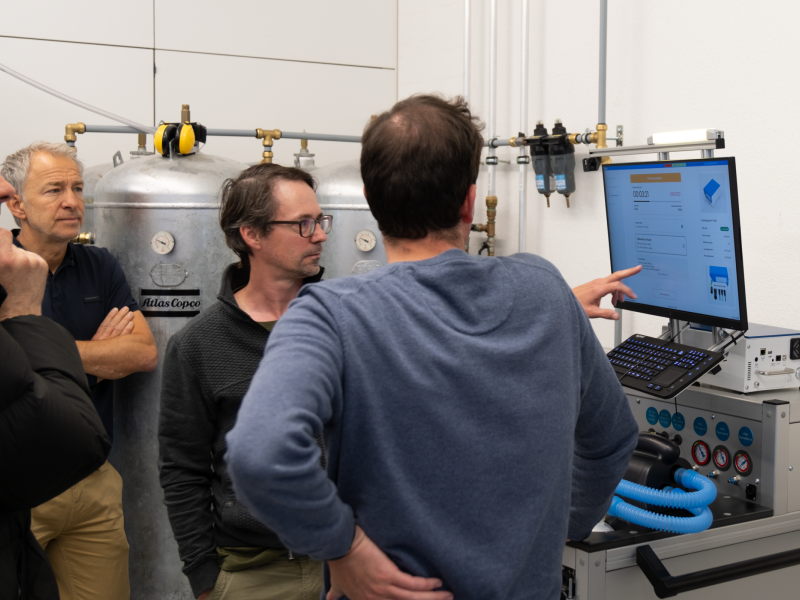
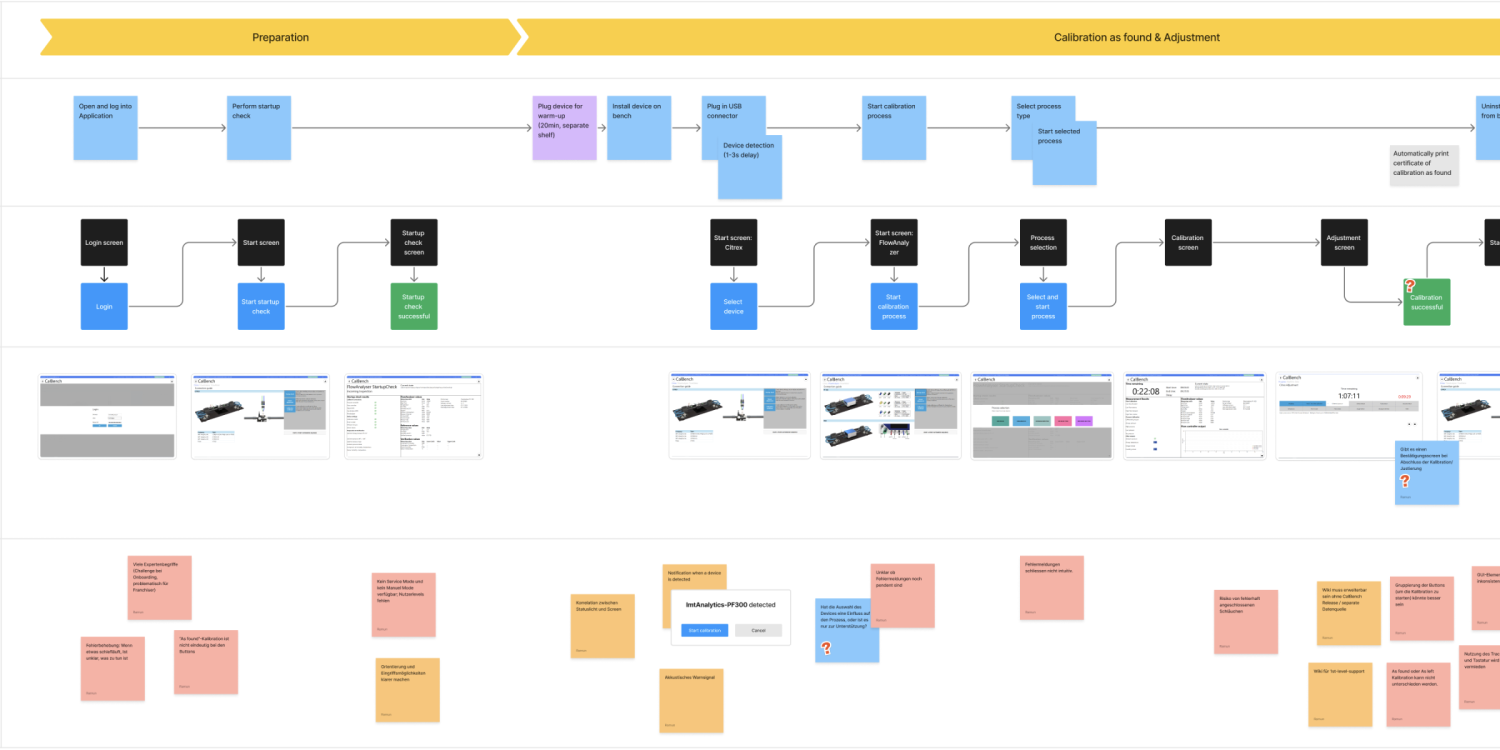
We began with a structuredUX research phase: together with stakeholders, we analyzed the existing software and mapped the current user flow. Complementary  shadowing sessionsallowed us to observe real users interacting with the Calbench in their daily work. 

A heuristic evaluationcompleted the analysis, revealing not only technical but also contextual usability challenges—such as unclear workflows or inefficient navigation patterns. Based on these findings, we developed an optimized process as the foundation for the newinteraction design. 

Calbench X_User Flows
Analysis of existing user flows


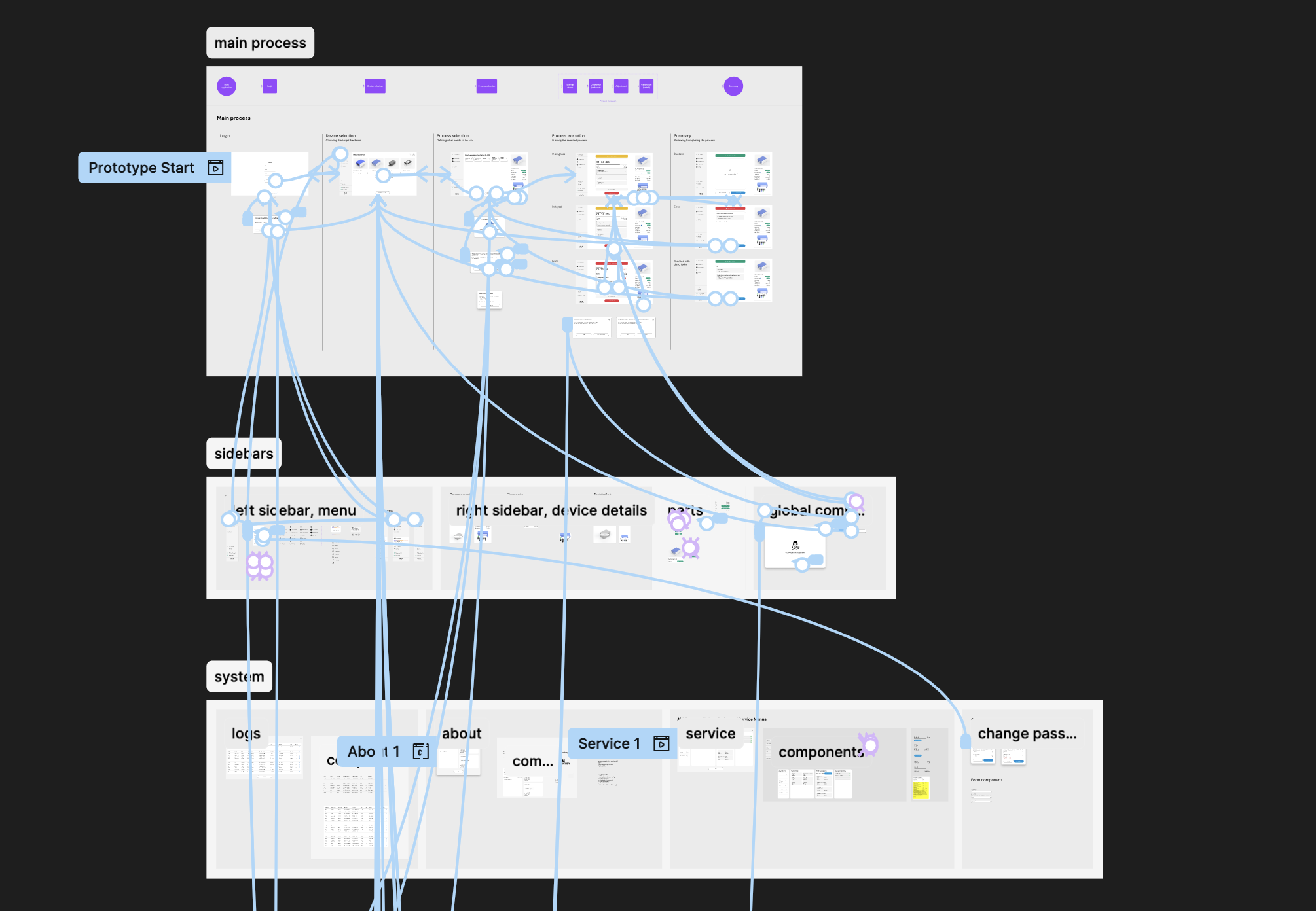
Using Figma, the team created a high-fidelity prototype representing the updatedUI layout and key user flows. In parallel, the design and development teams worked closely together to ensure continuous technical feasibility.

Framework constraints were taken into account, and a component-based implementation was prepared for scalability.


Klickbarer Prototyp in Figma
Interactive prototype in Figma


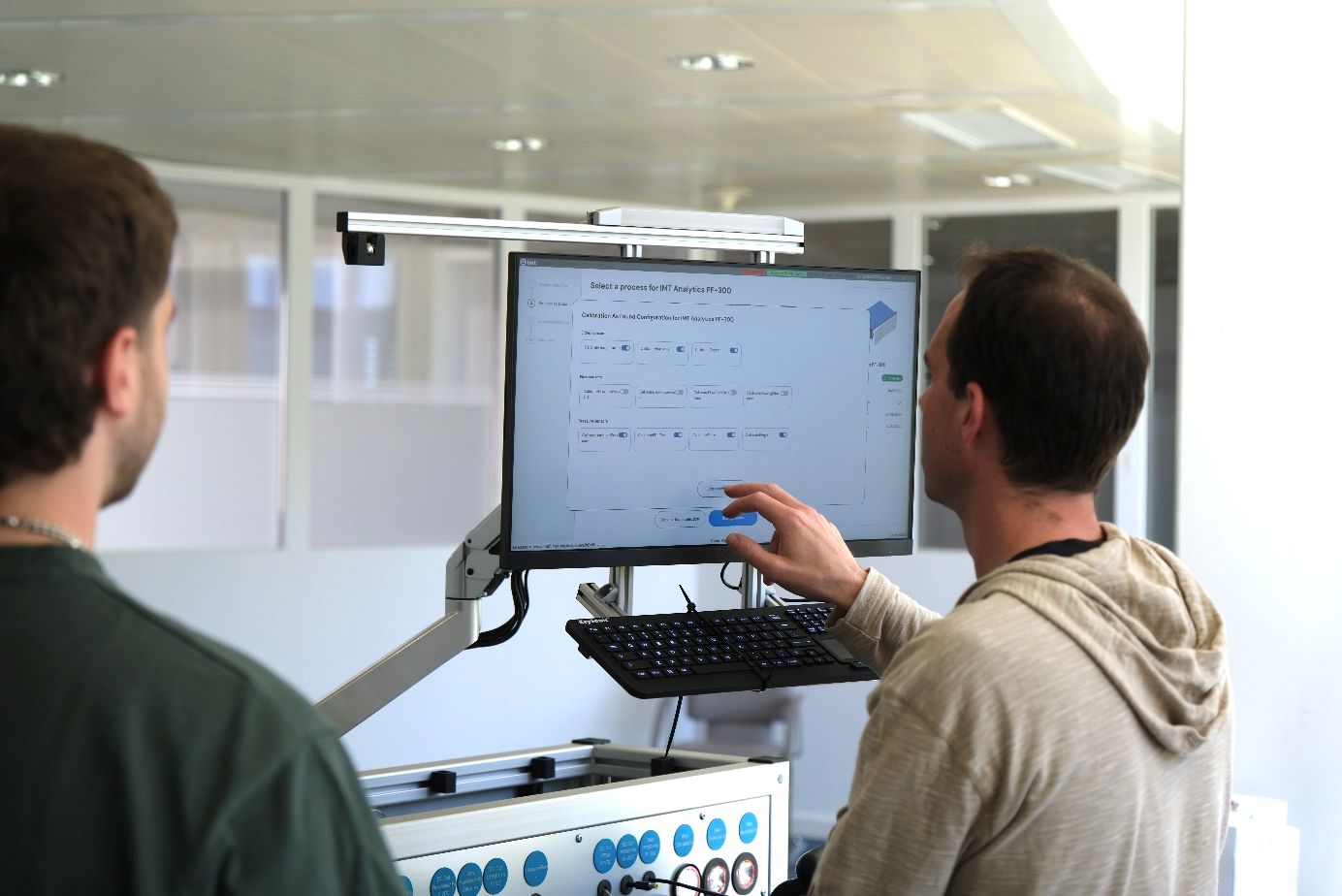
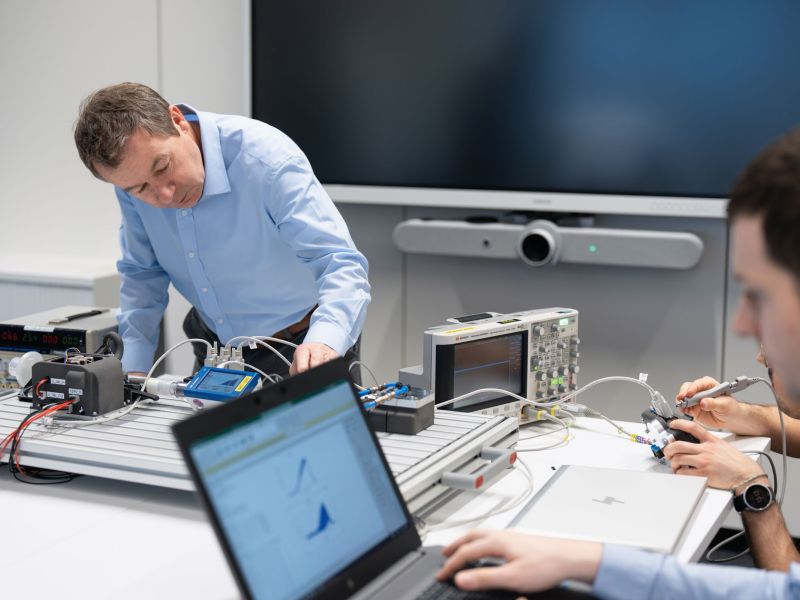
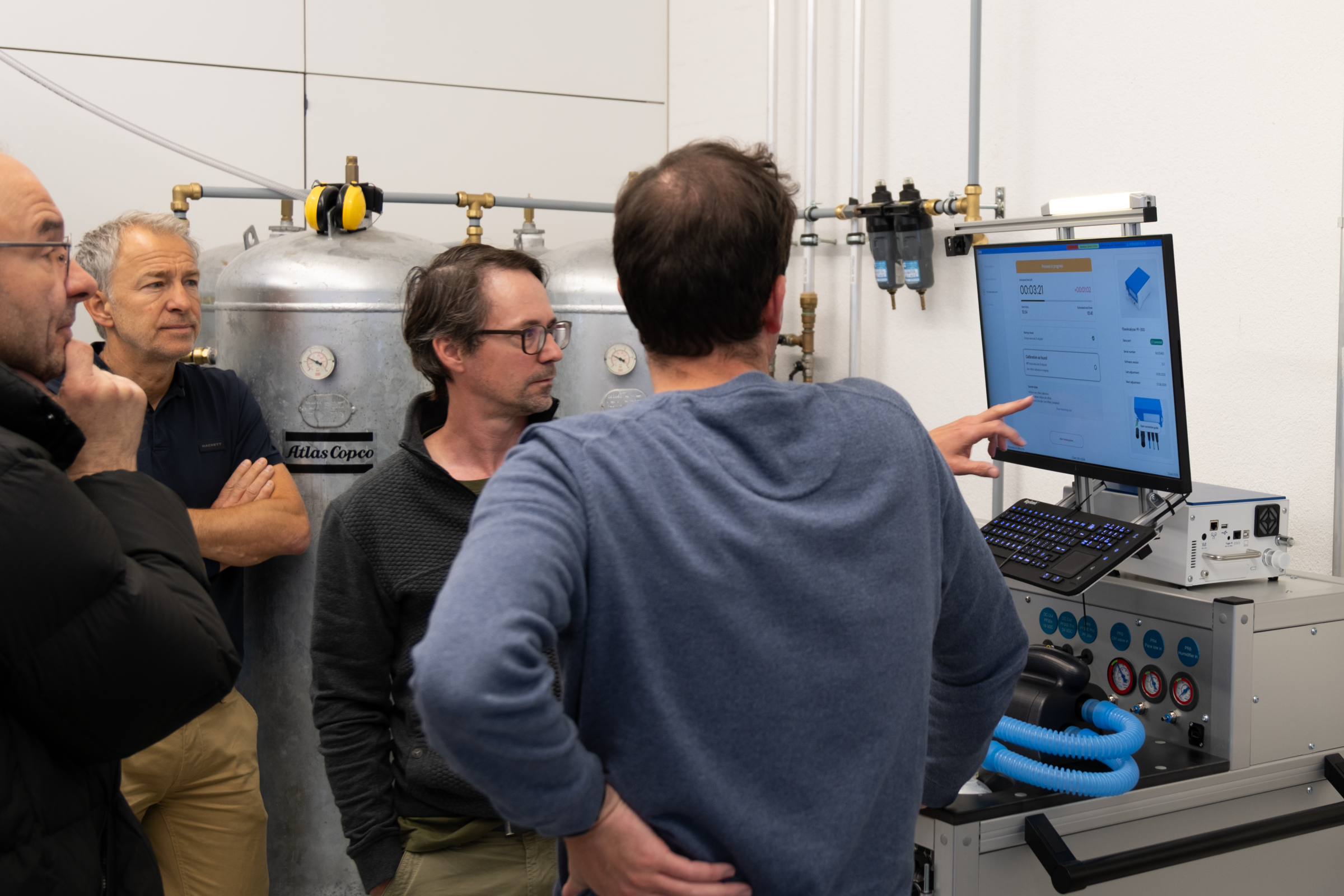
Usability testing played a crucial role in the development process, as new designs and workflows were regularly validated on the target hardware both on the actual display and directly at the Calbench, which allowed us to identify and eliminate usability issues before implementation.

A key outcome of the redesign was the integration of a context-sensitive knowledge base. This embedded wiki explains functions and workflows, reduces global support efforts, and empowers users to work more independently. 


Usability Testing on the CalBench X

Findings and Results 

The redesigned calibration software now delivers a significantly improved user experience. Consistent user guidance supports both experts and new users, increasing efficiency and reducing human error. Visual feedback, structured layouts, and contextual help improve process reliability and usability in industrial environments.


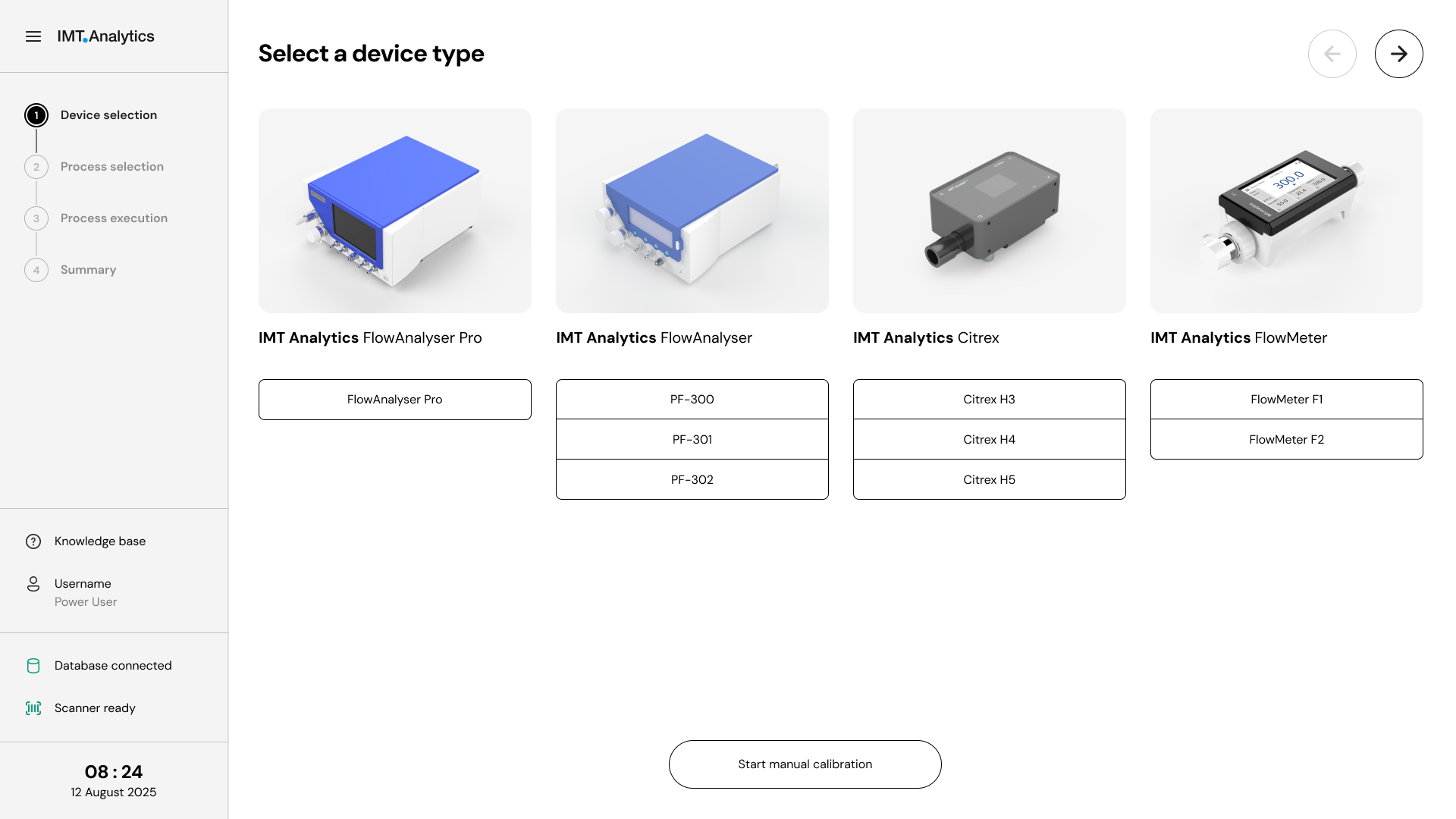
Calbench X_UI Design_Device selection in the revised software
Device selection in the revised software


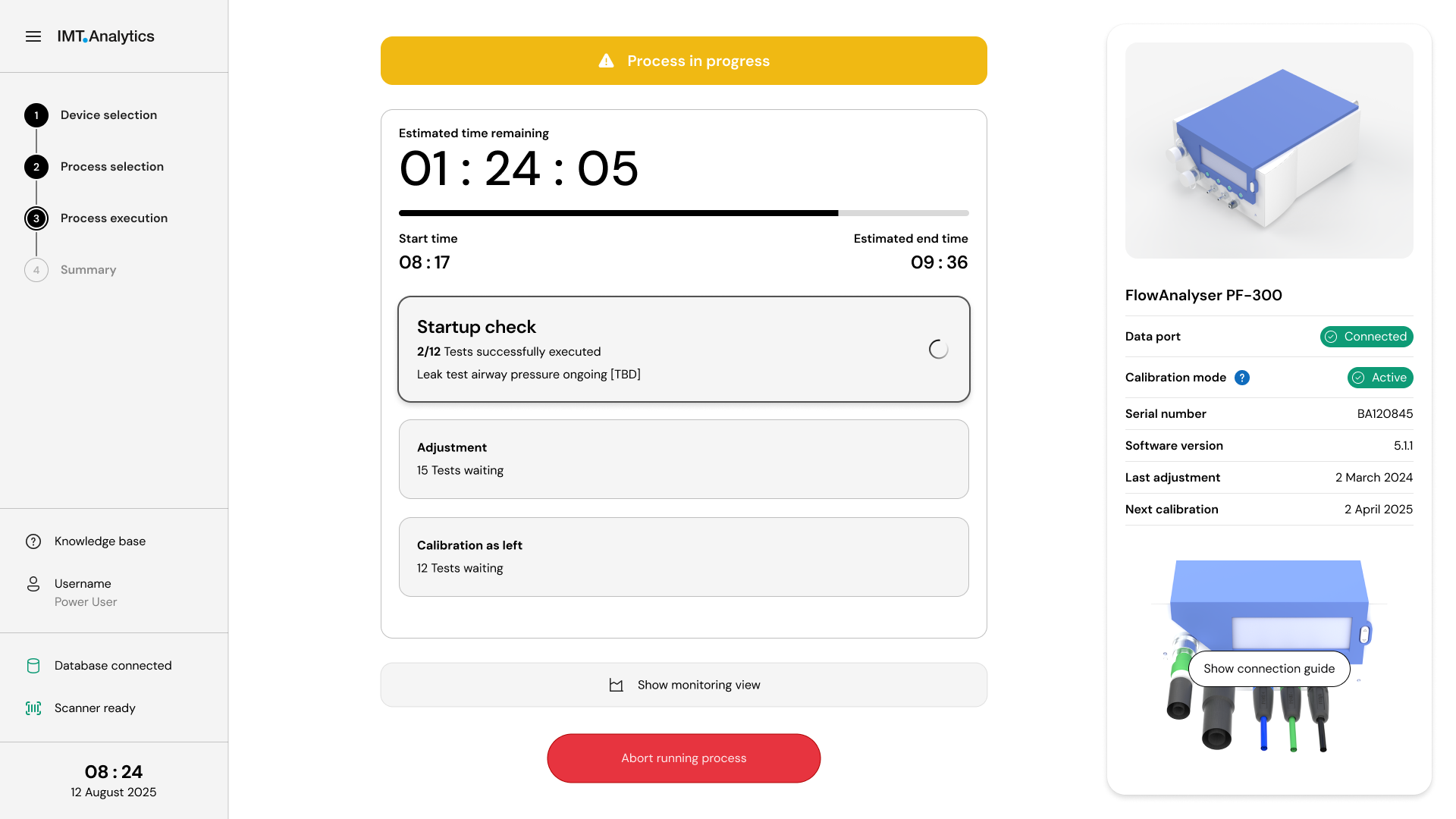
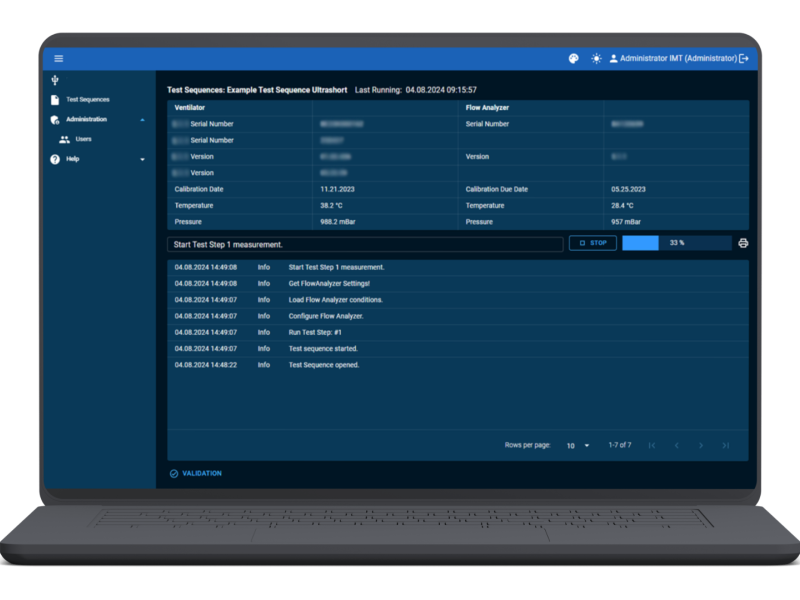
Calbench X_UI Design_Running Process
Process visualization in the revised software


Early involvement of the development team ensured a seamless transition from prototype to production code.

The tested designs were implemented efficiently, and new features such as the knowledge base and modular UI components were easily integrated. The result is a scalable, intuitive UX for embedded calibration systems, ready to support diverse user groups worldwide.


Conclusion

This project highlights how close collaboration between UX design, UI development, and engineering can transform complex industrial tools into intuitive products. Through early user research, iterative prototyping, and real-hardware testing, IMT created a solution that is both technically robust and easy to use.

In a global context with heterogeneous user groups, such usability engineering becomes a clear competitive advantage.


From Monolith to Scalability:
A Comprehensive Overview of Our Transformation
End-to-End Evolution Across All Layers

Area (Result)

Before (Initial Situation)

Now (Achieved Result)

Software Architecture

Monolithic structure, difficult to extend

Component-based architecture for scalability and maintainability

Usability 

Unclear user guidance, high error rate

Consistent workflows, visual feedback, context-sensitive help

User Groups

Focus on experts, little support for beginners

Optimized UX for experts and beginners worldwide]

Process Quality

Inefficient navigation patterns, uncertainty in workflows

Reduced errors, increased efficiency through clear process guidance

Testing 

Poorly structured tests

Iterative prototyping, usability tests on target hardware, automated UI validations

International Deployment

Not optimized for heterogeneous user groups

Global usability through scalable interface and integrated help

More projects

Our projects on the following topics might also interest you: